
Description
Ready-to-Use Excel Financial Models & Forecasting Templates
Make better business decisions with professional financial models you can customize to your needs.
Starting a new business, planning an expansion, preparing a feasibility study, or evaluating a potential investment? Understanding the financial side of your business is essential.
With the Ready-to-Use Excel Financial Models Collection, you get practical spreadsheet tools designed to simplify financial planning, forecasting, business valuation, and investment analysis. Instead of building complex financial models from scratch, you can use structured Excel templates to organize your assumptions, project future performance, and evaluate different business scenarios.
Whether you’re an entrepreneur preparing a business plan, a consultant developing a feasibility study, or an established business owner reviewing profitability, these financial models help you approach financial planning with greater structure and clarity.
What Can You Do With These Financial Models?
1. Build Financial Projections
Estimate future revenue, operating expenses, startup costs, and profitability using your business assumptions. Explore how your business could perform over time and use your projections to support planning and budgeting.
2. Analyze Cash Flow
Monitor expected cash inflows and outflows, understand your liquidity needs, and identify potential cash shortages before they become bigger challenges.
3. Prepare Professional Financial Statements
Organize your financial information using key reporting formats, including:
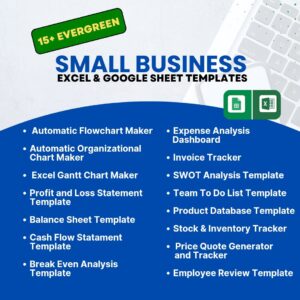
- Profit and Loss Statement
- Cash Flow Statement
- Balance Sheet
4. Calculate Break-Even Points
Estimate the sales level required to cover your costs and understand how pricing, expenses, and sales volume can influence profitability.
5. Evaluate Business Value and Investment Opportunities
Support business valuation and investment appraisal with relevant financial modelling methods. Depending on the model, you can evaluate discounted cash flows, investment returns, and potential acquisition scenarios.
6. Compare Different Business Scenarios
Adjust important assumptions such as pricing, sales volume, operating costs, and growth rates to see how different conditions may affect your financial results.
7. Analyze Sales and Business Performance
Break down revenue by product category, service line, or other available business segments to better understand where your revenue comes from and how your business is performing.
Financial Models for Different Business Types
Different businesses have different financial requirements. This collection covers a wide range of industries and business models, including:
- Restaurants, cafés, and food businesses
- Bakeries
- Hotels and hospitality businesses
- Grocery stores
- Gyms, personal training, and fitness businesses
- Clothing and retail stores
- Hair and beauty salons
- Mobile app startups
- Pharmacies
- E-commerce businesses
- Other startups and small businesses
The templates can also support financial analysts, consultants, investors, business advisers, and other professionals who need structured financial planning and analysis tools.
Who Are These Templates For?
Entrepreneurs and Startups: Develop financial forecasts, estimate startup requirements, and assess the potential viability of a business idea.
Business Owners: Review profitability, plan operating expenses, forecast revenue, and make informed decisions about growth.
Financial Analysts and Consultants: Structure financial analysis and prepare organized reports for business planning and advisory work.
CFOs and Finance Teams: Support budgeting, forecasting, cash flow planning, and financial performance reviews.
Investors and Investment Professionals: Evaluate financial assumptions, assess potential returns, and examine investment opportunities.
Business Planners and Feasibility Study Consultants: Build financial projections to support business plans, feasibility assessments, and investment proposals.
Key Benefits
- Ready to use: Start with a structured financial model instead of building every calculation from scratch.
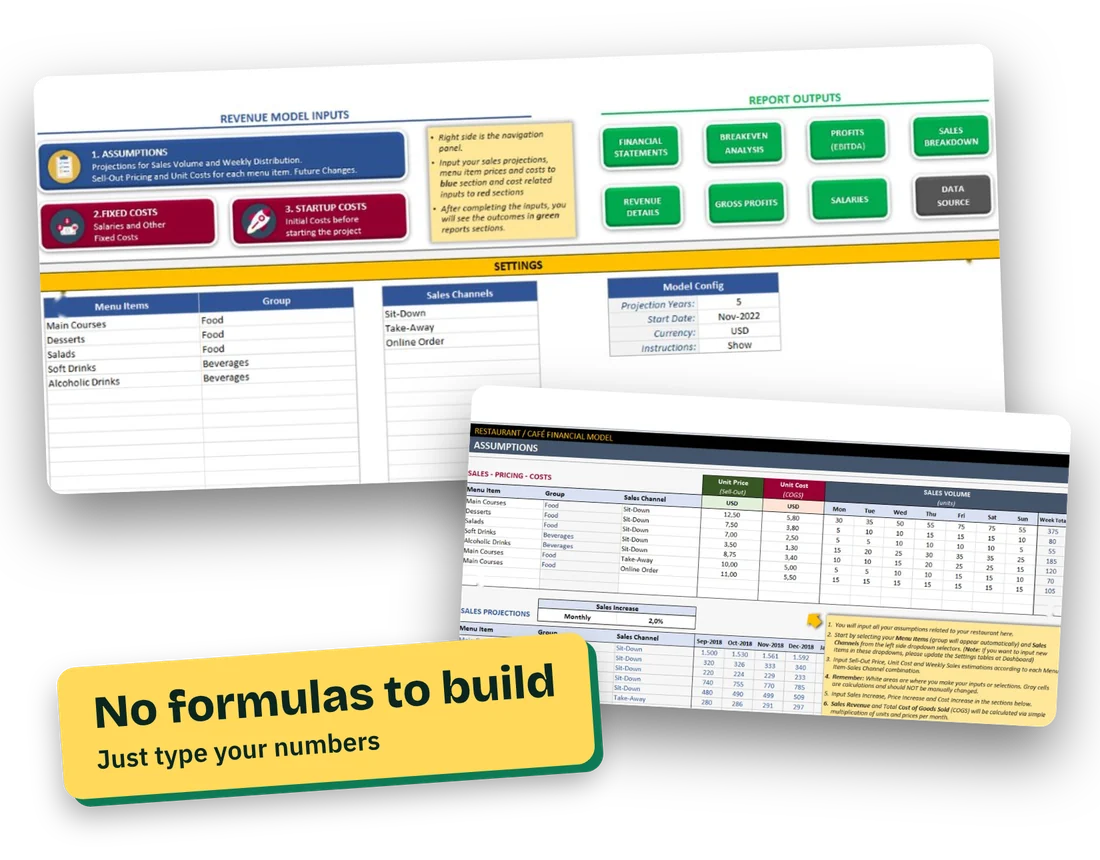
- Customizable: Enter your own assumptions and business data to adapt the model to your needs.
- Automated calculations: Let the spreadsheet handle supported calculations and update results as inputs change.
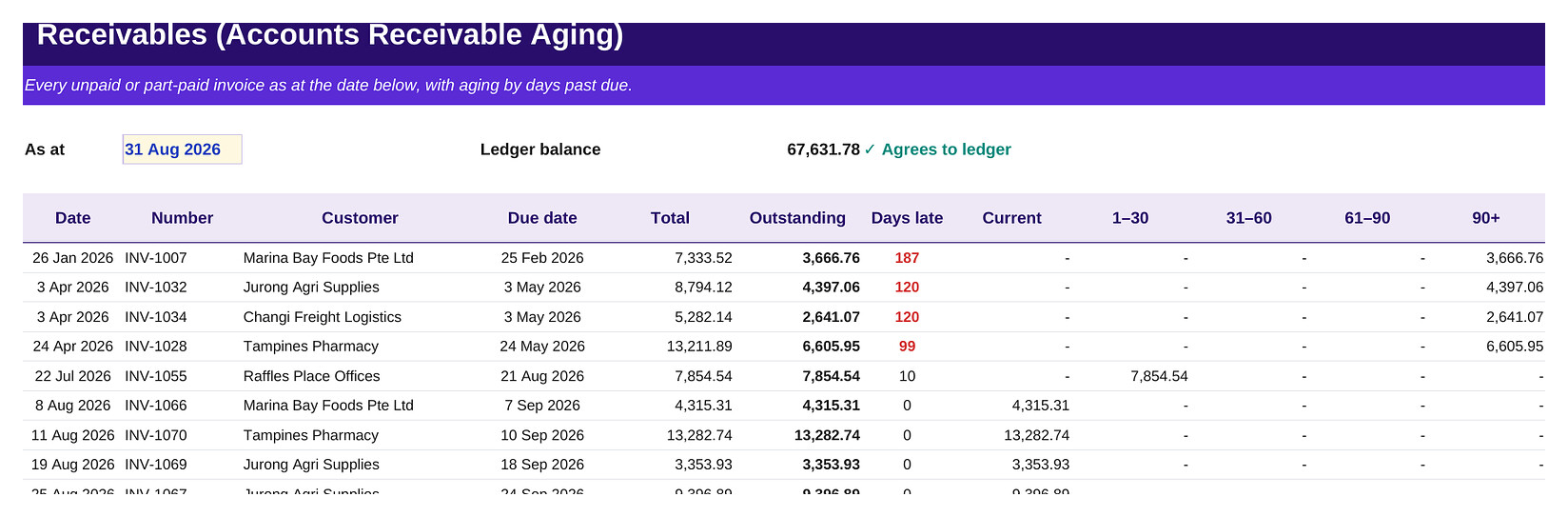
- Financial dashboards and charts: Present key figures in a clear, visual format where included.
- Structured financial reporting: Organize projections and financial statements for easier review.
- On-sheet instructions: Follow the guidance provided within the relevant templates.
- No complicated installation: Work directly in Excel without installing a separate financial modelling application.
- Flexible applications: Support business planning, feasibility studies, investment appraisal, and financial forecasting.
- Windows and Mac compatibility: Use compatible Excel templates on supported Windows and Mac versions.
Practical Applications
Use the financial models to support:
- Business plans and startup feasibility studies
- Financial forecasting and budgeting
- Business valuation
- Investment appraisal
- Merger and acquisition analysis
- Cash flow planning
- Break-even analysis
- Scenario and sensitivity analysis
- Business expansion planning
- Investor and management presentations
Take the Guesswork Out of Financial Planning
You don’t need to build every financial spreadsheet from a blank worksheet. Start with a structured model, enter your business assumptions, and use the resulting projections to better understand your opportunities, costs, risks, and potential returns.
Get a more organized approach to business financial planning with ready-to-use Excel financial models designed to help you analyze your numbers and make more informed decisions.